Get your first call answered on the same call
The fastest path from signup to a real call answered by your AI. Five short steps, no faff — most owners are live before they hang up. Use this if you just want it working; come back to the deeper guides once it is.
5 steps · 3 min read
Sign up and verify your email
Go to vervox.ai → Start free trial. Enter your name, email, and a password. Open the verification email and click the link.
Tell the AI who you are
The onboarding wizard asks for the basics. Don't over-think it — every field can be edited later.
- Business name — how the AI greets callers.
- Industry — pick the closest match (you can refine later).
- Service area — suburbs or regions you cover.
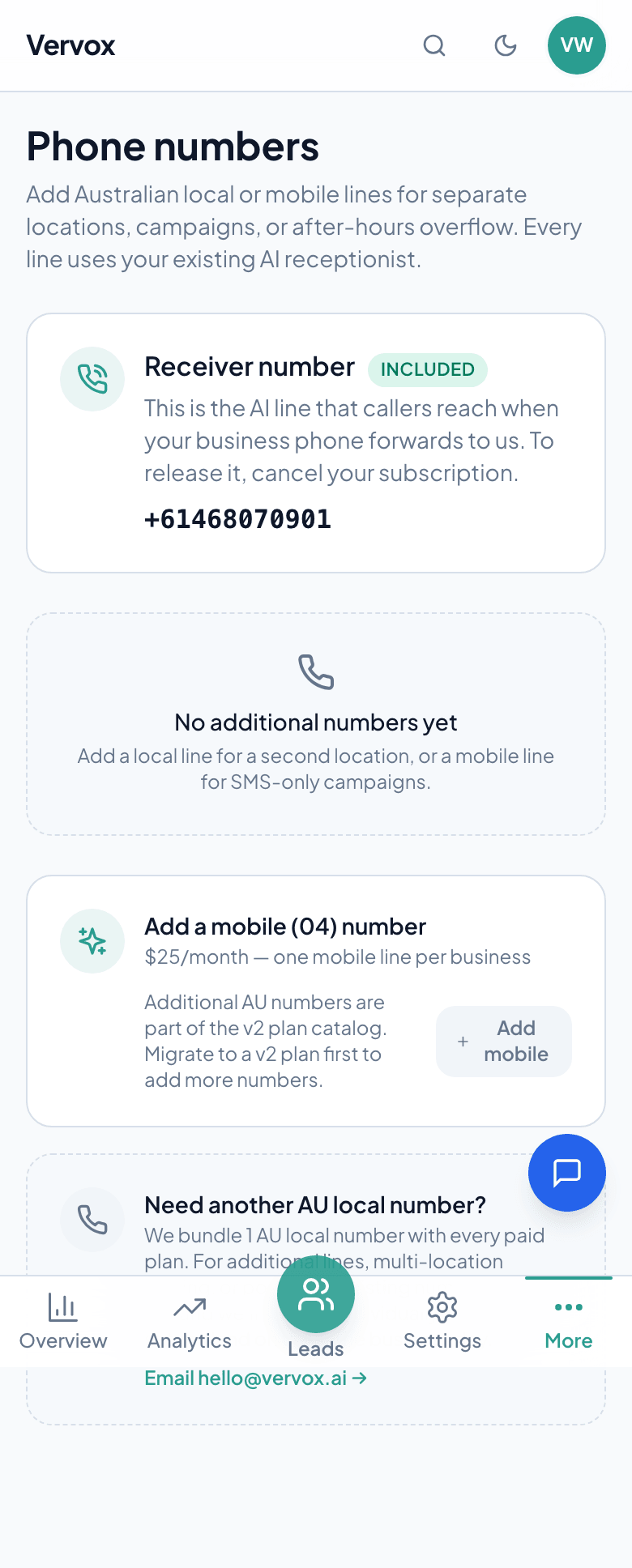
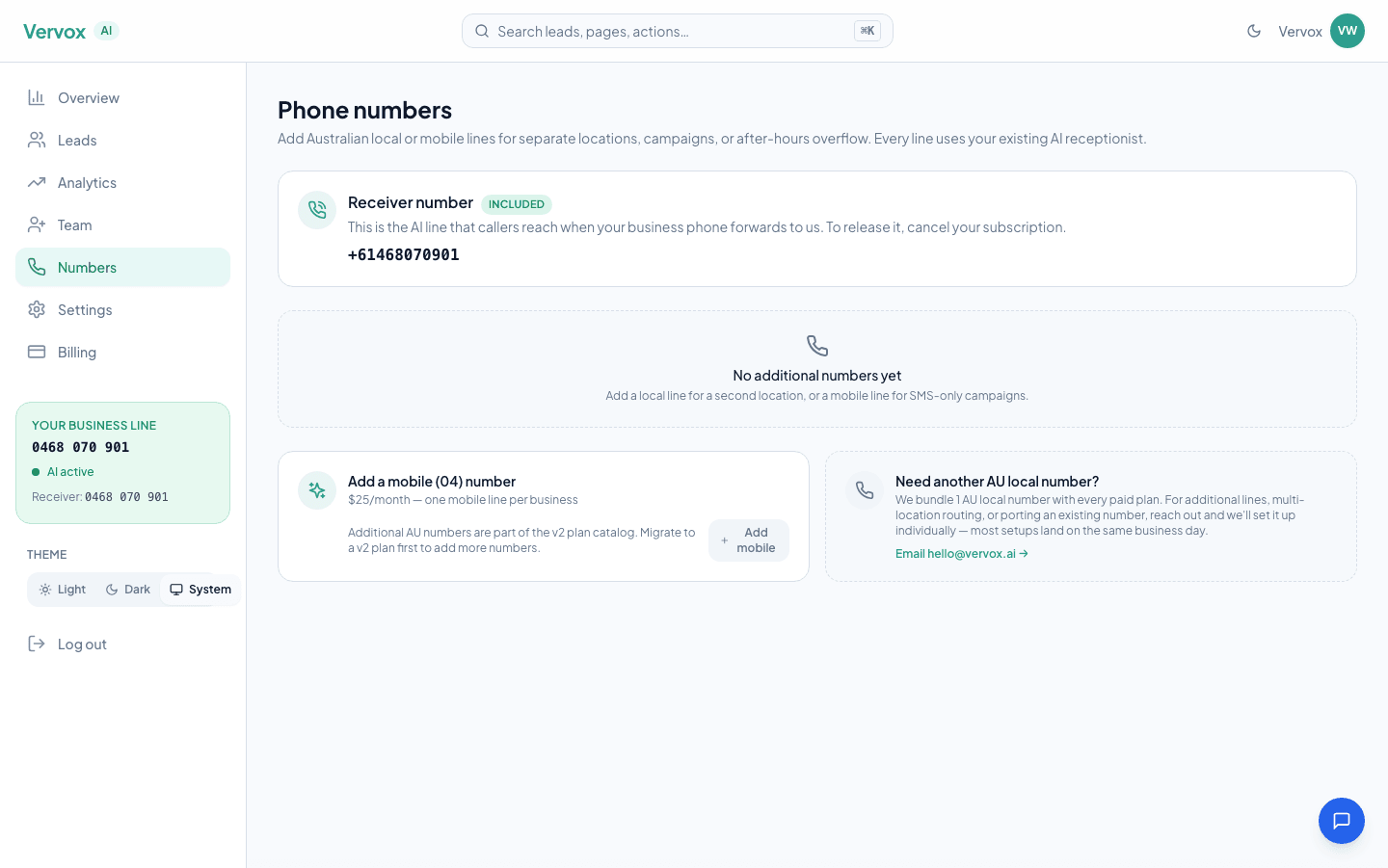
Grab your Vervox number
At the end of the wizard you'll see your Australian Vervox number. Save it somewhere — you'll need it in 30 seconds.
Call it from your mobile
Dial your new Vervox number. Pretend to be a customer — describe a problem, give a fake name and suburb, see what happens. The AI walks the intake, then ends the call telling you someone will call back.
You're live — share the number
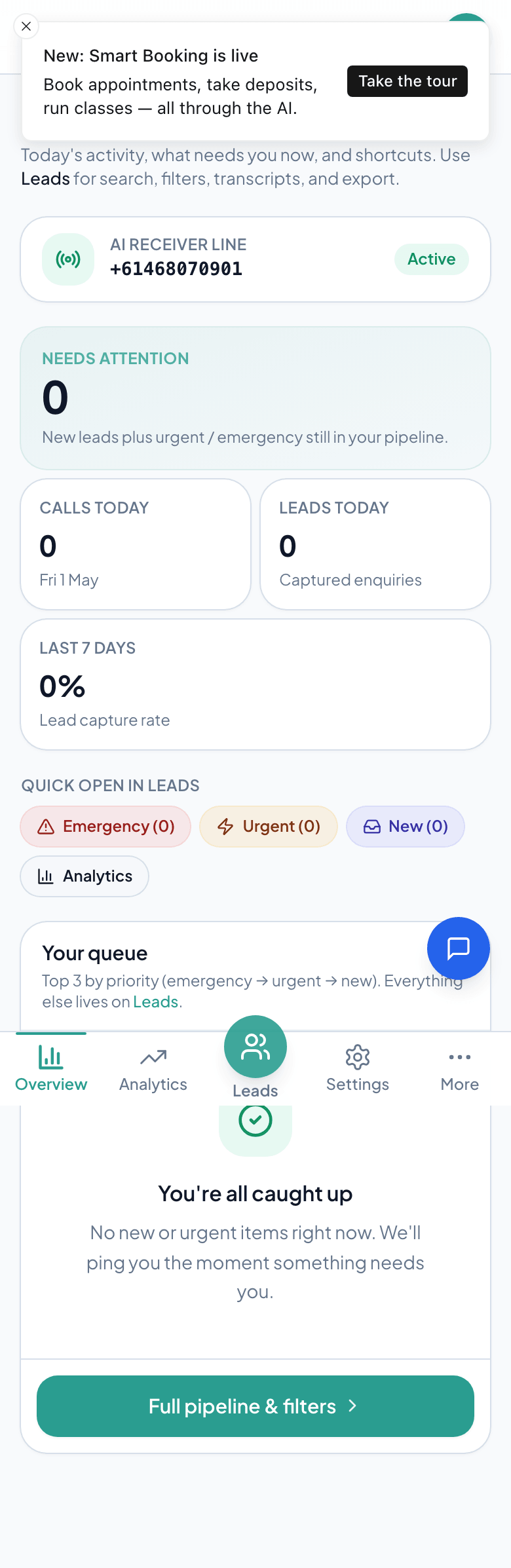
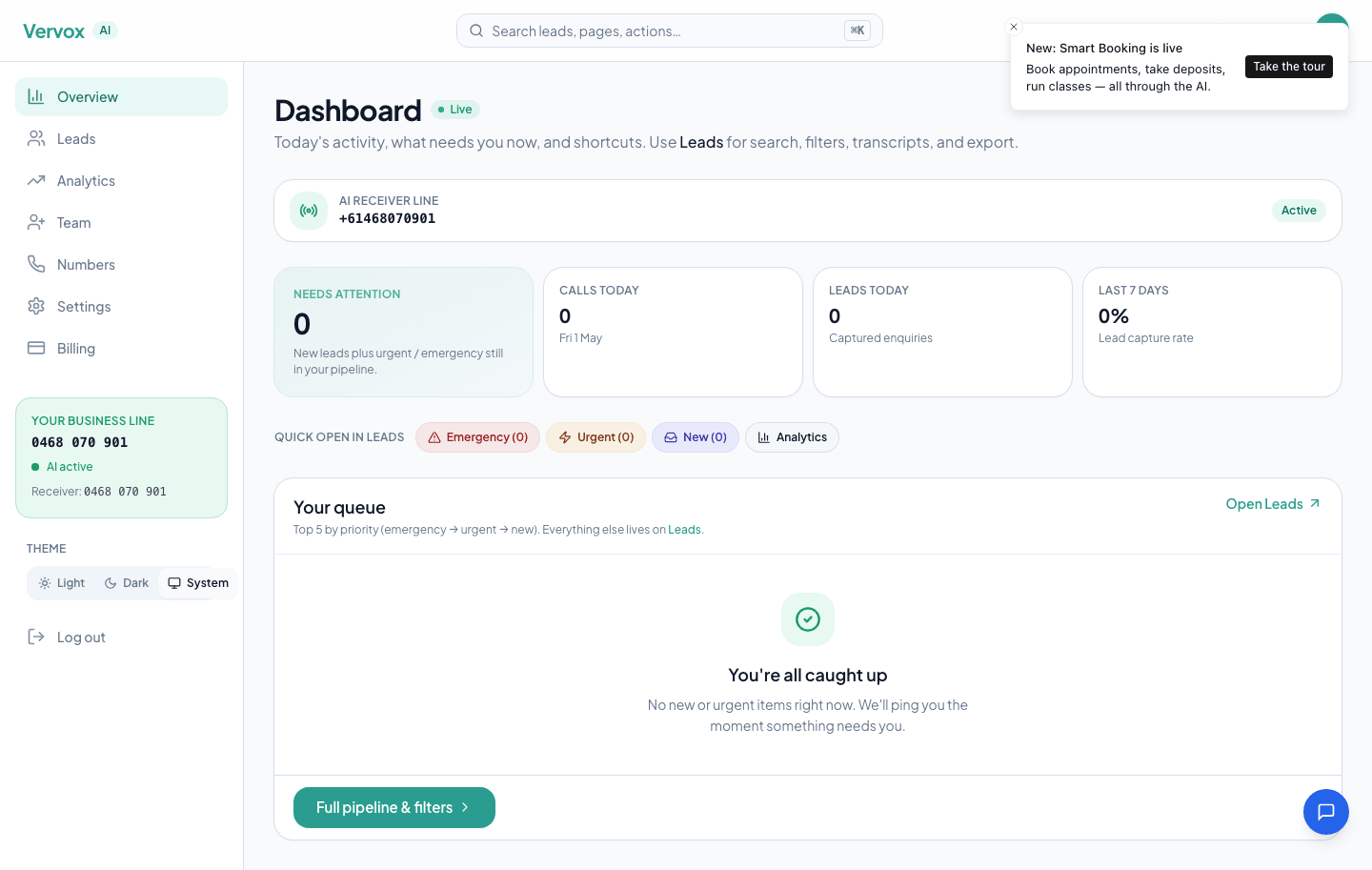
That's it. Every missed call is now a captured lead.
Now point real customers at it:
- Update your website contact page and Google Business Profile.
- Trade directories you actually use — Hipages, Airtasker, Oneflare.
- If you want the AI to also book jobs straight into your calendar, turn on Smart Booking.
Want the deeper setup pass — voice selection, custom intake fields, after-hours greeting, escalation rules? Set up Vervox properly (10 minutes).
Ready to get started?
Set up your AI receptionist in under 10 minutes. A$0 for your 30-day trial — we ask before it ends.
Start free trialRelated guides
Set up Vervox in 10 minutes
The full first-day setup. After the 5-minute quick-start works, come here to pick your voice, write a custom greeting, set business hours, and decide what the AI does after-hours. Five steps, ten minutes.
Divert your number to Vervox
A comprehensive guide to diverting your existing mobile or landline number to your Vervox AI receptionist. Covers every major Australian carrier, conditional vs unconditional forwarding, and troubleshooting.
Customise your AI's voice and tone
Fine-tune your AI voice, greeting, tone, intake questions, custom instructions, after-hours behaviour, and service area to match your brand perfectly.